“Actually make that Alex.”
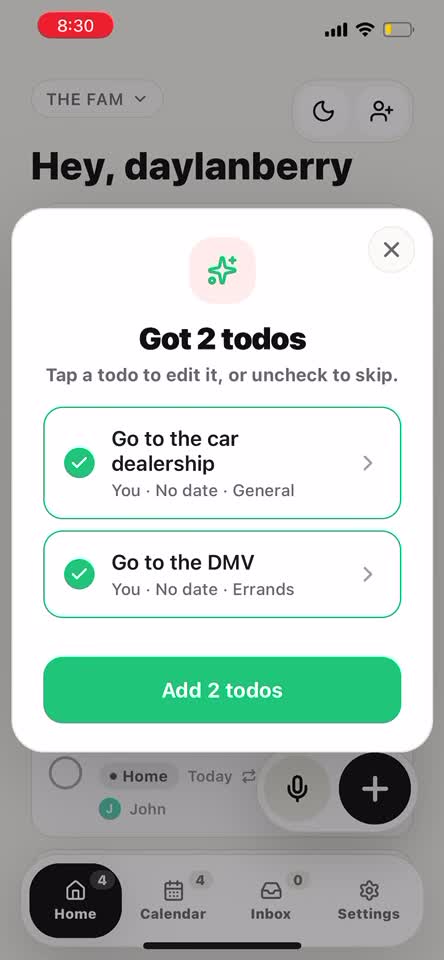
2 todos found
Capture fast
Type it cleanly or record it messily. Loadlight can pull out the actual todos even when your sentence changes halfway through.
 Loadlight
Loadlight invite
Open Loadlight to join. If you still need the app, keep this page handy and use the backup code after installing.
Now on the App Store Android planned
Shared todos for real life
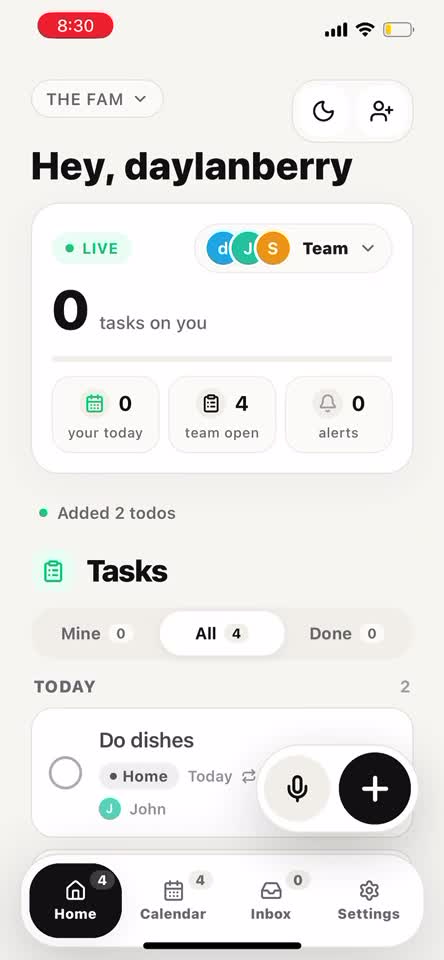
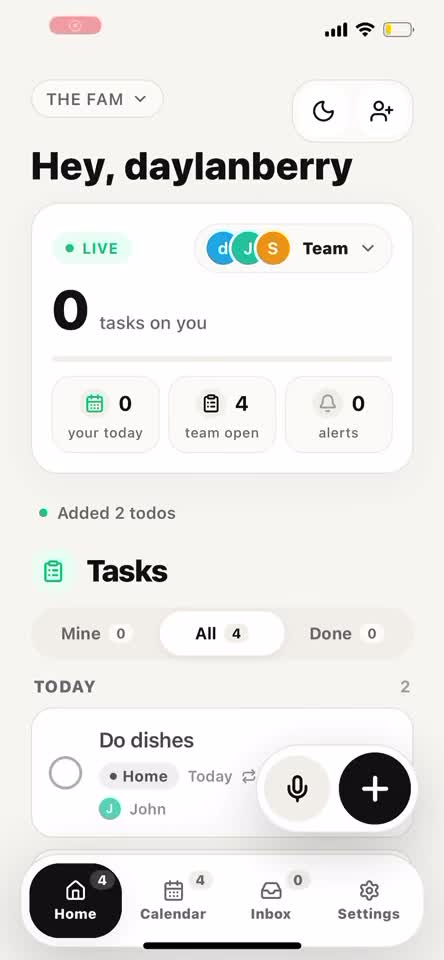
Loadlight turns the group chat chaos into one calm place to capture, assign, nudge, and finish the stuff everyone keeps meaning to do. Talk it out naturally and it still finds the todos.
Product demo
Open Loadlight, say the messy version, review the todos it found, then assign and break them down. The magic is not the microphone - it is that changing your mind still turns into a clean shared plan.
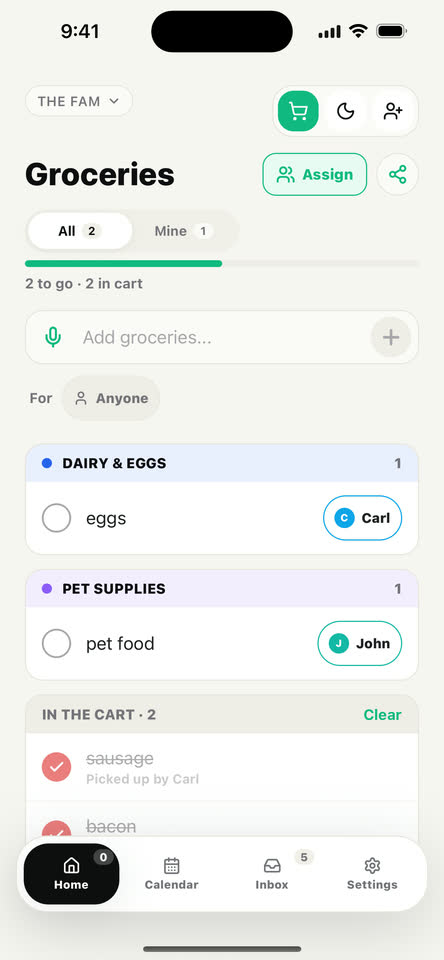
Shared groceries
Add groceries by typing or voice, shop from a list organized by aisle, and keep everyone in sync as items move into the cart.
Smart voice capture
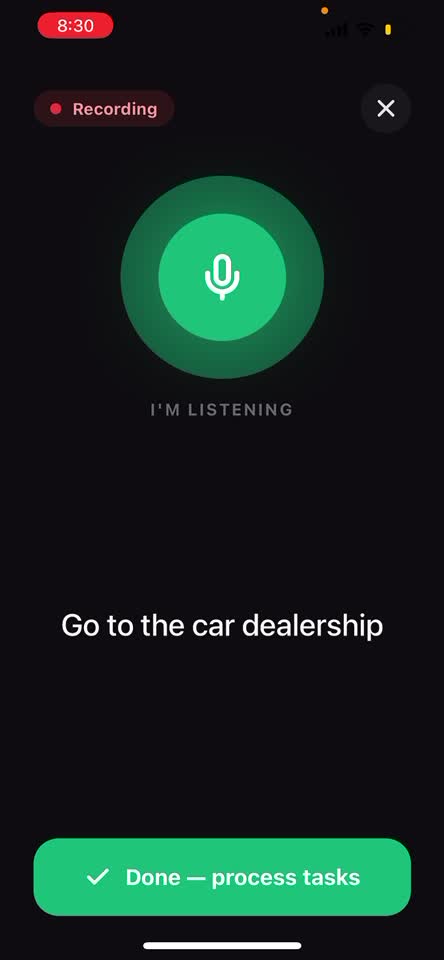
Press record and talk naturally: “Add snacks for Sam, actually make that Alex, and remind me to book parking Friday.” Loadlight listens, splits the transcript into separate todos, catches names and dates, then lets you edit or skip anything before it lands on the board.
Subtasks
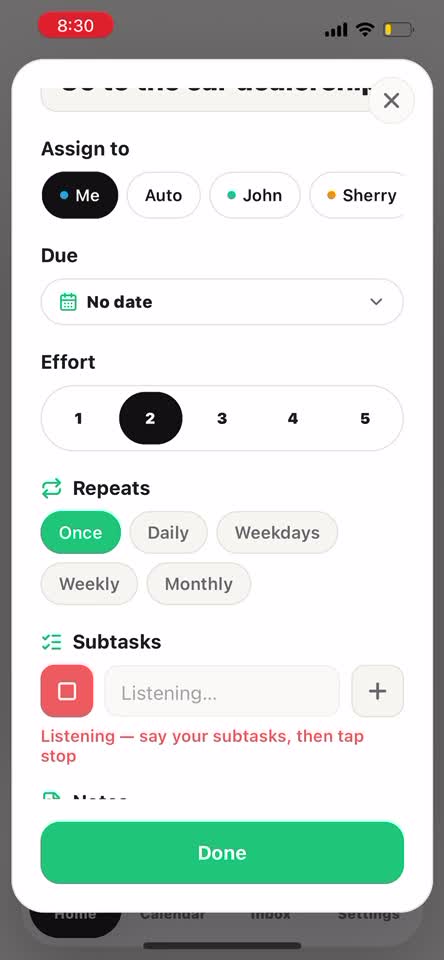
For tasks that are really a handful of steps, Loadlight lets you add a checklist inside the todo. Type each step, dictate a quick list, or let the app extract subtasks from what you said.
Why it works
Type it cleanly or record it messily. Loadlight can pull out the actual todos even when your sentence changes halfway through.
Every task has an owner, due date, and effort so no one has to guess who is handling what.
Send a reminder without reopening the whole conversation or sounding like the project manager of your life.
See whether the work is landing fairly and rebalance before one person gets stuck carrying everything.
How it feels
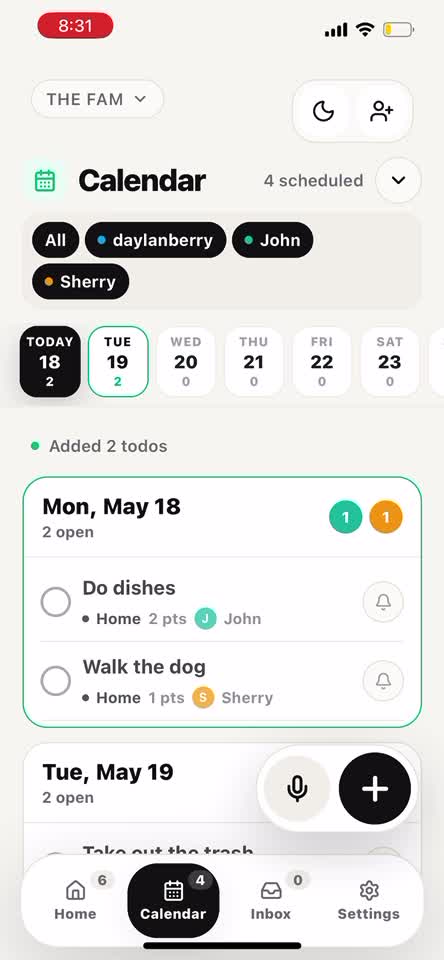
Loadlight is built for repeat use: open it, add the thing, assign it, move on. The Today and Calendar views keep the group focused without making the app feel heavy.
Native sync
Add a due date to a todo and it can show up in Apple Calendar and a dedicated Loadlight list in Reminders, so the stuff you agree to do is visible where you already check your day.
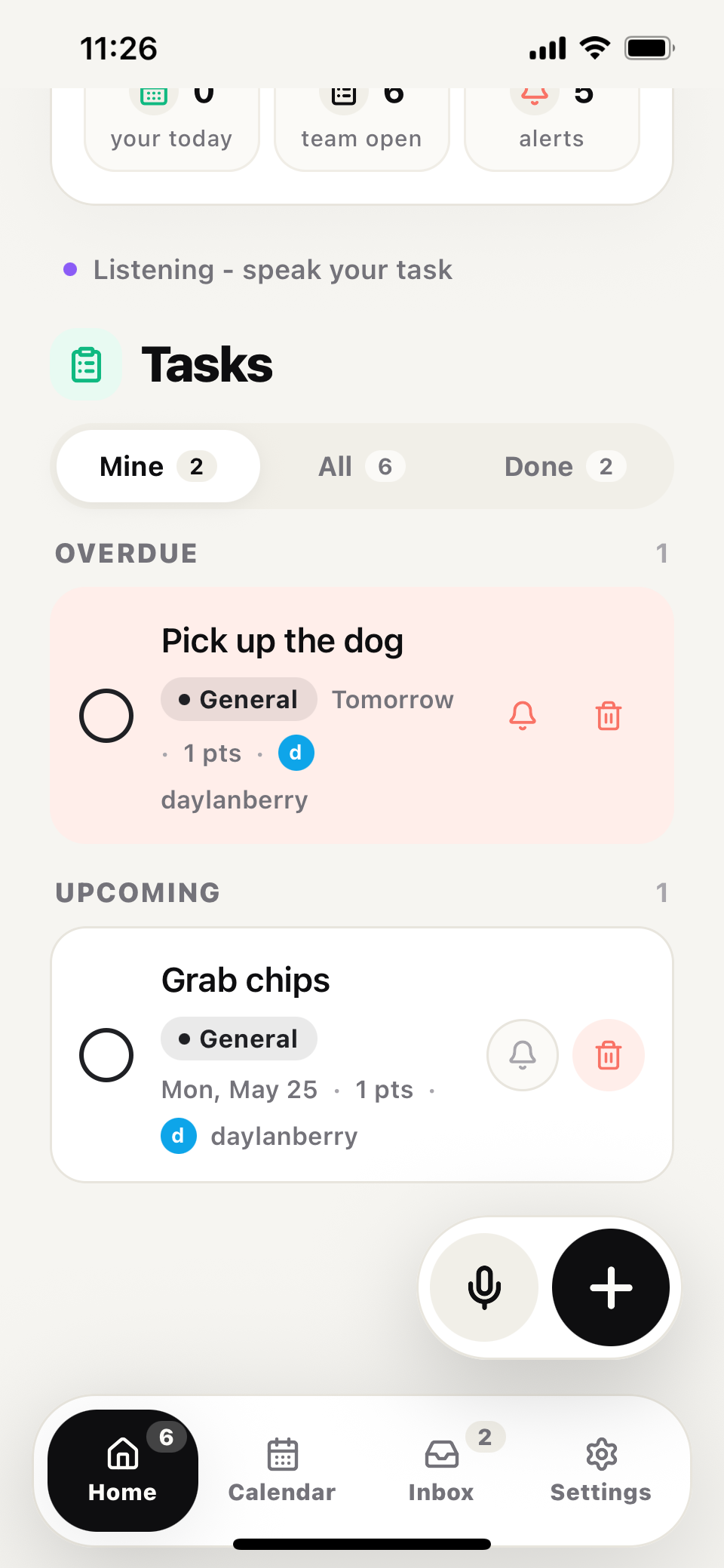
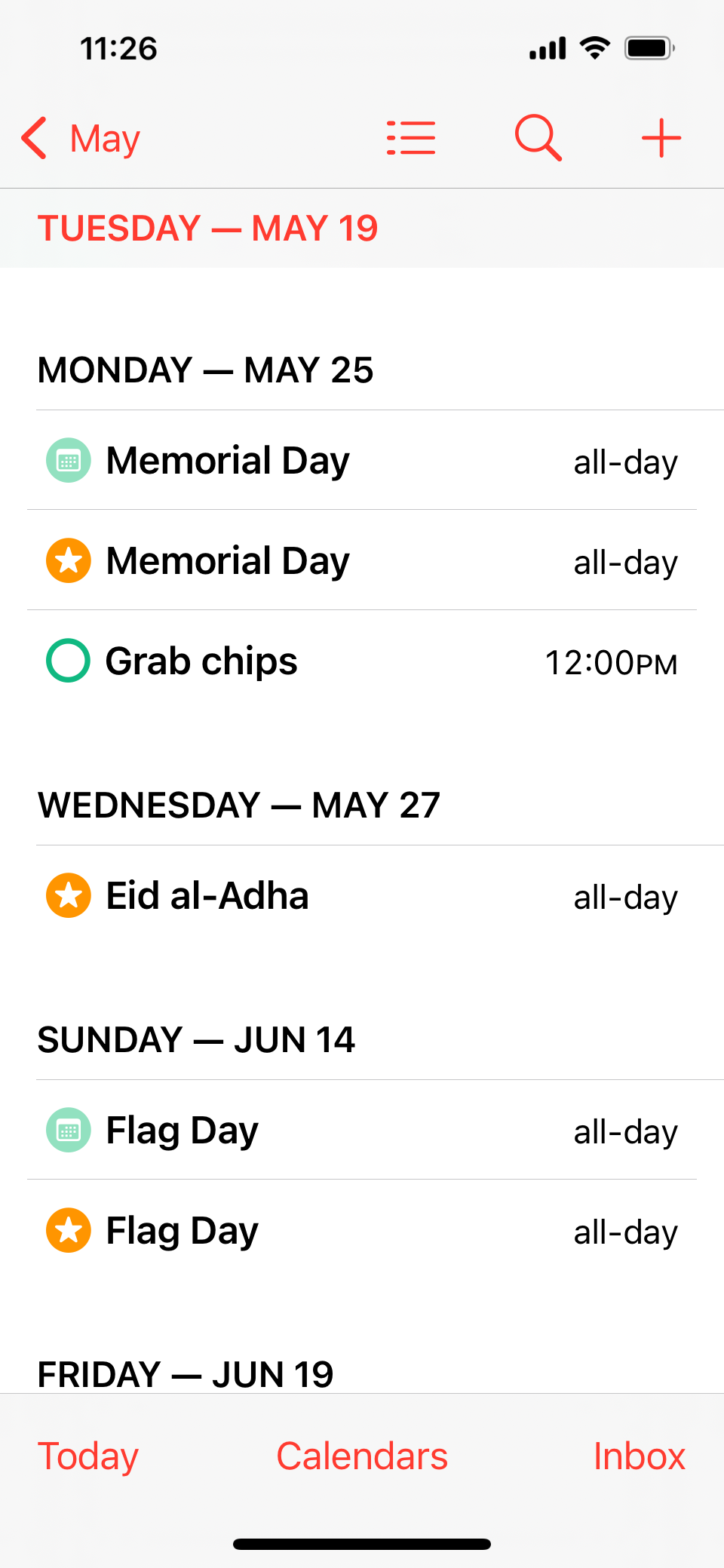
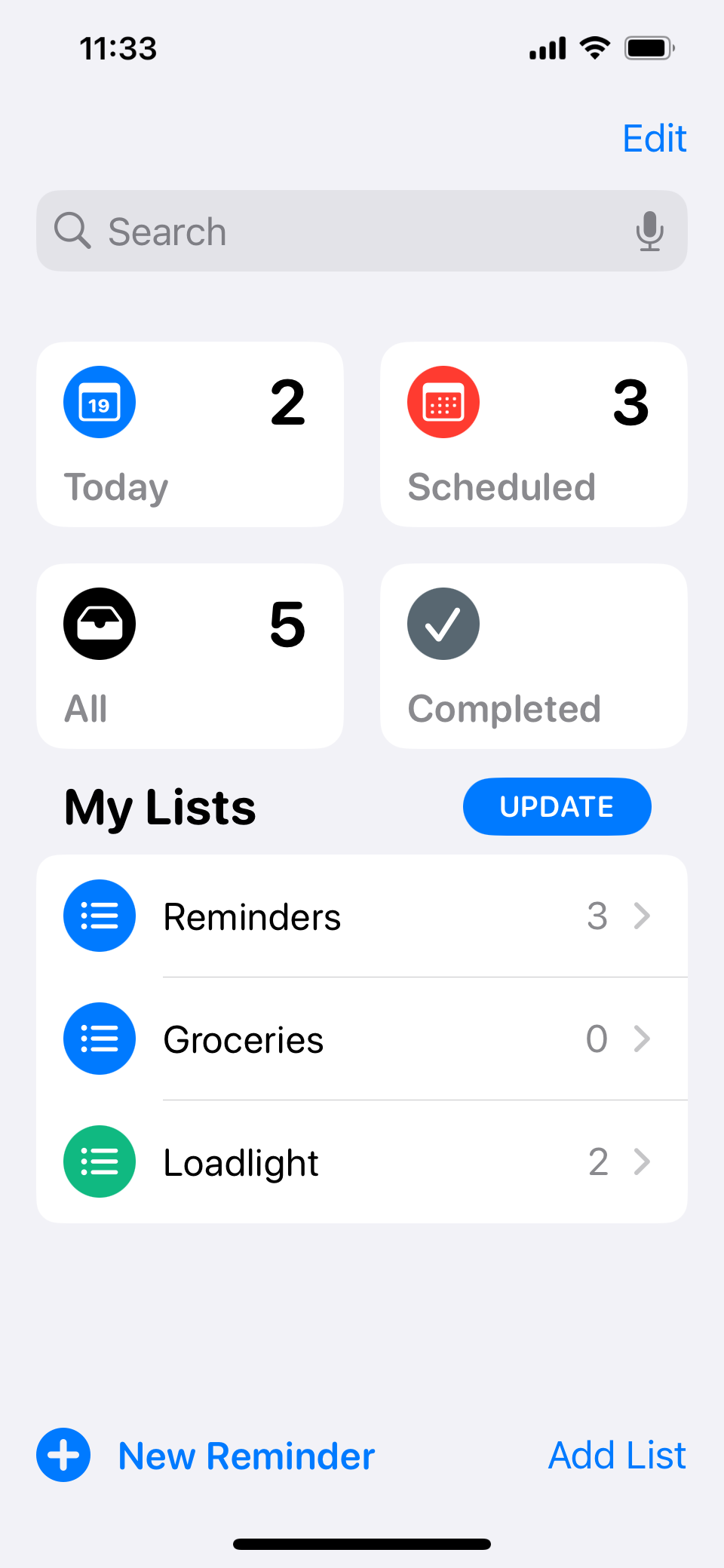
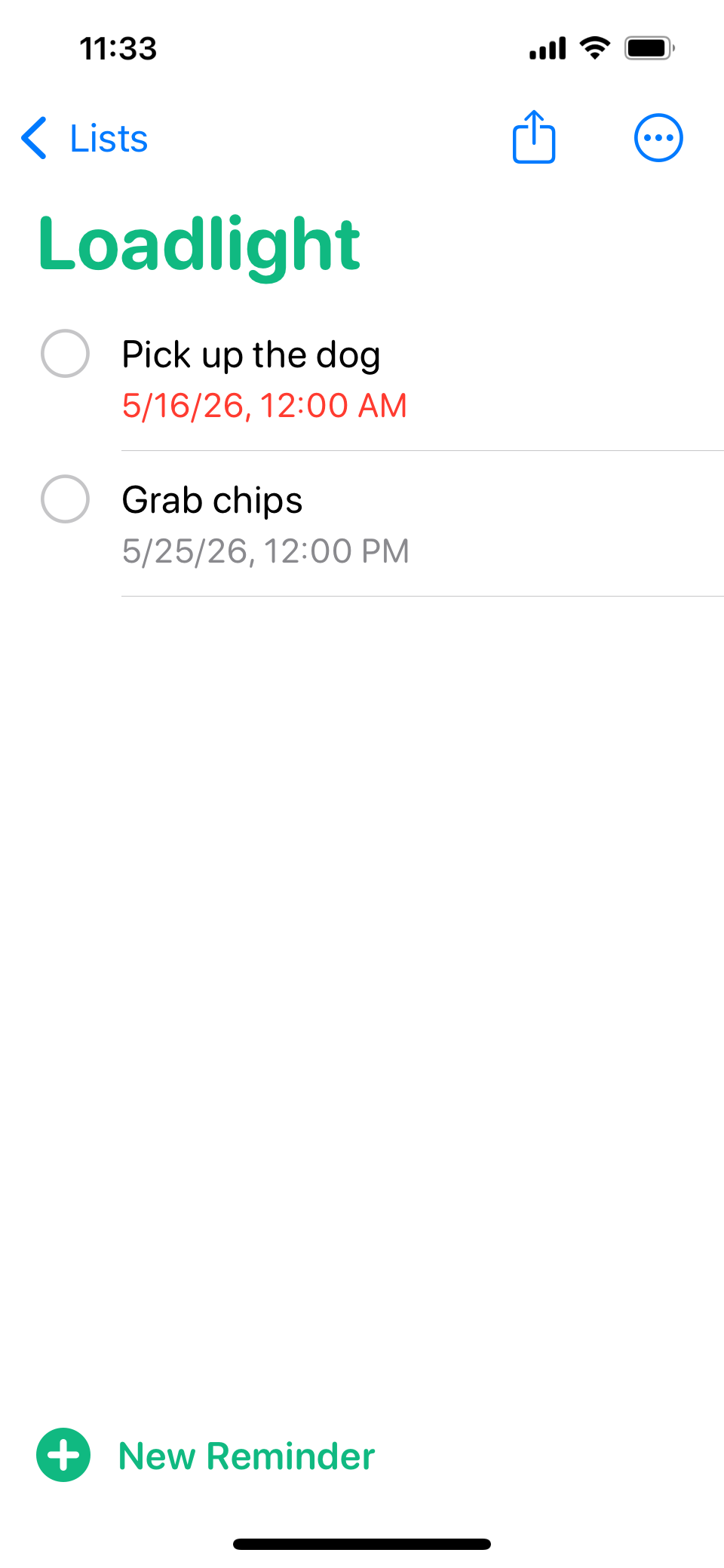
Todo starts in Loadlight.
Capture, assign, and date the todo in Loadlight.
Capture, assign, and date the todo in Loadlight.
Dated tasks can appear beside the rest of your day.
Your Loadlight list is still there when you open Apple's app.
For iPhone
Loadlight is available now on the App Store. Download it on your iPhone and start sharing todos and grocery lists.
Loadlight
Shared todos built around Apple Calendar and Reminders.
Download on the App Store
Get support
Available now for iPhone.